What Whaiz is
Whaiz connects an artificial intelligence to your personal WhatsApp number. It's not the official WhatsApp Business bot: it uses your real account, so conversations are natural and indistinguishable from ones you write yourself. And there's more: with the API you integrate WhatsApp into your management software (ERP), website or scripts — in any language — to automate sending any message.
Tailored personality
For each chat you decide who the bot is, how it writes and what it can say.
Total control
The bot stops the moment you type. No message goes out without your go-ahead.
One price, messages included
€10 a month and the bot replies: no credit to top up, no counters.
Connect any software
With the REST API you link WhatsApp to your management software, website or scripts in any language and automate sending any message.
Connect your WhatsApp
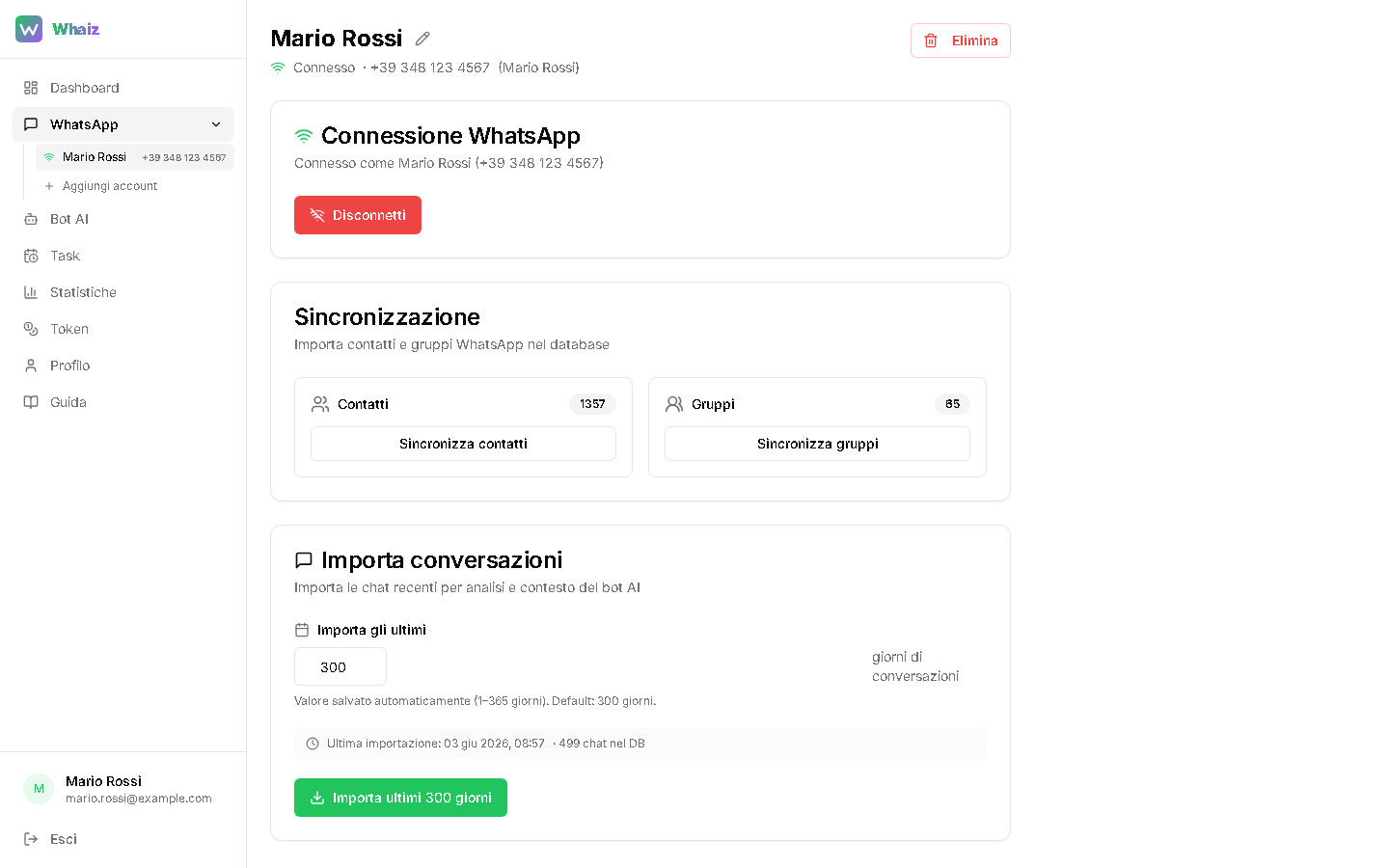
Connecting works like WhatsApp Web: you scan a QR code once and your number is operational. It takes less than a minute.
Open the WhatsApp section
Generate the QR code
Scan from your phone
Wait for the sync
Configure the AI bot
For each contact or group you create a 'persona': who the bot is, how it writes, what it knows about you and what it must never do. That's what makes the replies feel like you wrote them yourself.
Open AI Bot and pick the chat
No model to choose
Fill in the persona
Activate the bot
Adapt the persona
Beyond free text, a few quick switches guide the bot on the right register to use with that person.
Relationship
Friend, family, partner, colleague, customer, supplier or stranger: changes the base tone.
Formal / informal address
Force the formal or informal register, or let the AI decide.
Reply length
Short, medium or long replies depending on how you usually write.
Emoji
None, a few, or 'like the person' to mirror their style.
Reply in the message's language
If on, the bot always replies in the language of whoever writes.
Examples of your style
One sentence per line: the bot learns from how you actually talk.
When (and whether) to reply
Whaiz doesn't fire off replies like a robot. These settings decide the timing, pauses and limits, for natural behavior.
Active hours
E.g. 8-18: the bot replies only in that window. Empty = always active.
Pause when you reply (Human handover)
As soon as you type in the chat, the bot goes quiet for N seconds (default 60). Take back control whenever you want.
Wait for messages to finish (Anti-burst)
Before replying it waits a few seconds: if the person is still typing, it waits for them to finish and replies once.
Max replies in a row
Anti-spam: after N replies without a reply from the person, the bot stops.
If it doesn't know what to answer
It can improvise, say you'll call back, or stay silent.
Automatic notices
When the bot can't reply (out of hours, limit reached or unauthorized contact) it sends a short predefined message, once a day per chat, at no AI cost.
Catch-all for unknown numbers
For business numbers you can let the bot reply even to contacts without a dedicated configuration, with a GDPR intro and daily limits (30-50 a day).
The bot in groups
In groups Whaiz is surgical: it replies only when needed and gives you per-participant control no other tool offers.
Replies only when mentioned
Per-participant control (Owner)
Owner trigger word
@ mention
The bot never sees technical numbers: it recognizes people by name from the address book.
Owner mode
Only trusted participants can trigger web search, PDF, images and analysis.
Advanced tools
When a contact or participant is in Owner mode, the bot can do much more than chat: it runs real tools and returns the result in the chat.
Web search
Up-to-date information from the web in real time.
Generate PDF
Create and send formatted PDF documents.
Chat analysis
Summarizes and analyzes a conversation's entire history, person by person.
AI images — coming soon
It will generate images from a description and edit the photos you send it. Not live yet.
AI video — coming soon
It will create short videos from text or animate a static photo. Not live yet.
Voice notes
Understands and transcribes the voice messages it receives. Replying by voice and voice cloning are coming soon.
Scheduled tasks
Schedule messages that go out on their own at a time or frequency you choose. Useful for recurring good-mornings, reminders, greetings or periodic reports.
Fixed message
Predefined text, with dynamic variables replaced at send time.
AI-generated
Give an instruction and the AI composes a new message each time, with the full chat context.
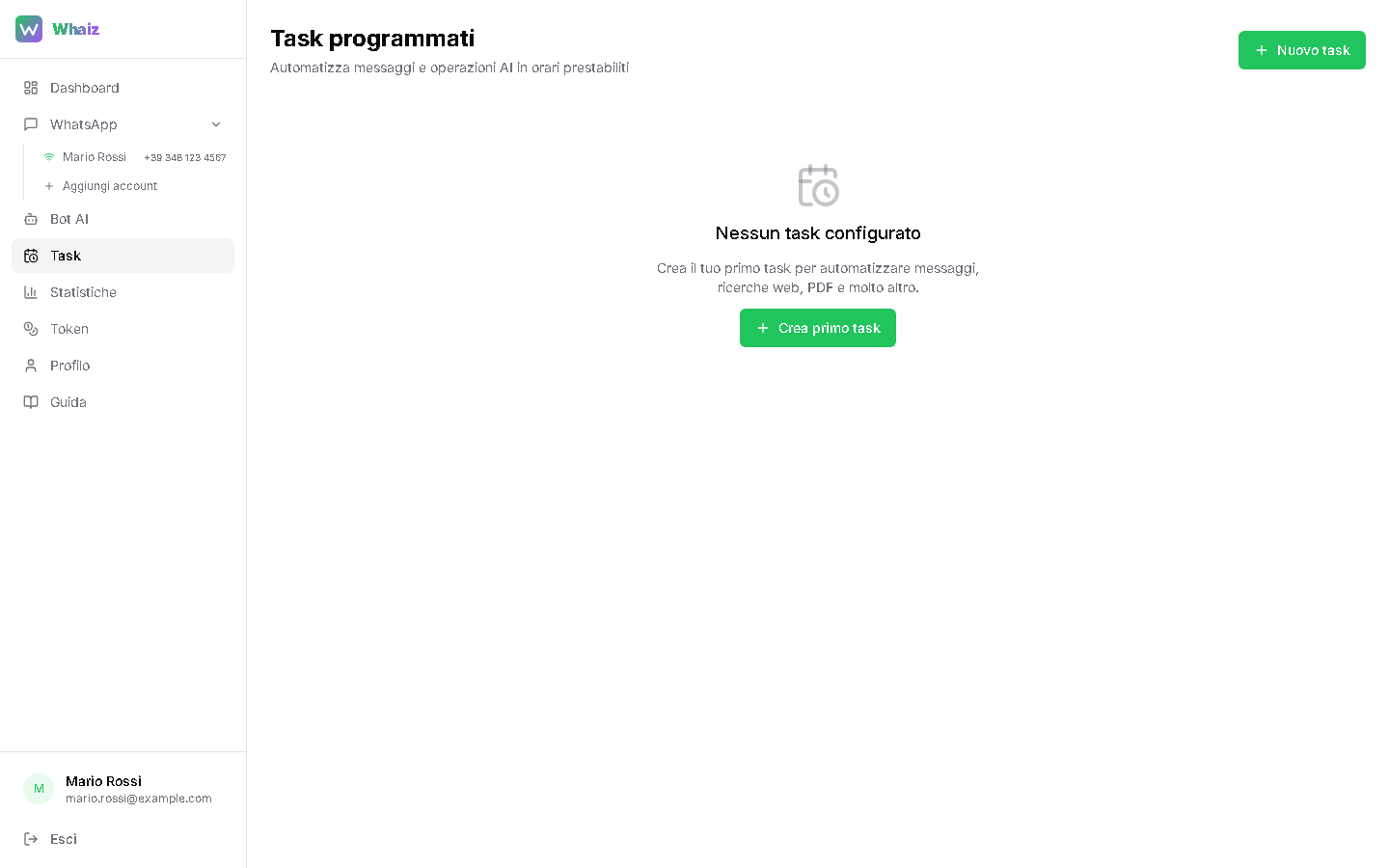
Create the task
Select recipients
Set the frequency
Real-time statistics
The dashboard shows you messages and bot replies, updated every few seconds. See at a glance what Whaiz is doing.
Timeline charts
AI replies day by day.
Per-chat view
Which conversations consume the most.
CSV export
Download everything for external analysis.
Subscription
Messages are included: no counter to watch, no credit to top up. Pick a plan and the bot replies.
Two plans
**€10/month** for the bot on groups and contacts, **€25/month** if you also need the sending API.
Free trial
24 hours and 100 messages to try it, no card needed. They start with the first message the bot replies to.
Whaiz API — send from any software
Beyond the AI bot, Whaiz offers a REST API to send WhatsApp messages from your management software, website or scripts — in PHP, JavaScript, Python, cURL and other languages, with a single call.
Activate the plan
Create an API key
Copy the snippet for your language
Send from your code
curl -X POST \
  "https://api.whaiz.info/v1/messages/text" \
  -H "Content-Type: application/json" \
  -d '{"token":"wha_live_...","to":"39333...","body":"Ciao!"}'
6 message types
Text, image, document, location, contact and audio.
11 ready-made languages
cURL, HTML, PHP, JavaScript, Python, C#, Java, Go, C++, VB.NET and VBA (Office).
Built-in anti-ban
Configurable delay between messages (minimum 5s) to protect the number.
Send history
Every API send is tracked with type, recipient, status and time.
Profile and security
From the Profile section you manage your data, change your password and enable two-step verification to protect access.
Personal data
Change password
Two-step verification (2FA)
Frequently asked questions
Can I use my everyday number?
Yes. Whaiz connects to your existing WhatsApp as an additional device, exactly like WhatsApp Web. You don't need a new number.
Do I have to keep my phone on?
Yes. Being a linked device, the phone must stay on and connected to the internet for the bot to work.
What happens if I reply to a chat myself?
The bot notices and pauses (Human handover) for the time you set. Take back control anytime, without turning anything off.
Does the bot reply to everyone automatically?
No. It replies only in chats where you've enabled and configured a persona. In groups it steps in only if mentioned with @.
Can I connect multiple WhatsApp accounts?
Yes, you can add several numbers from the WhatsApp section, each with its own personas and independent settings.
Can I prepare the configurations offline?
Yes. From any contact or group you can export the persona as a .md file, edit it at your leisure on your computer and re-import it. Handy for elaborate characters or to reuse across chats.
Are my conversations safe?
Whaiz uses chat history only to generate relevant replies on your behalf. Panel access is protected and you can enable two-step verification (2FA) for your account.
How much does it cost?
**€10 a month** with messages included, or **€25 a month** if you also need the sending API. Before deciding you get **24 hours and 100 free messages**, no card required.